Appearance
Miaou Manual
Miaou is a browser DAW for turning an idea into editable music: record audio, import loops, write MIDI, build chords, choose instruments, add effects, share the project, and export the mix.
Start with the first workflow, then jump to the recipe that matches your next task.
Start Here
- Open Miaou in desktop Chrome or Chromium.
- Read Quick Start beside the app to save a project, play it, add sound, and export.
- Read Browser and Device Setup before recording, connecting a MIDI controller, or fixing browser audio.
- Read DAW Basics if words like track, region, MIDI, bus, stem, or Source BPM are new. Use the Glossary when you need the quick definition later.
- Read Workspace Tour when the screen feels dense and you want to know which panel owns each job.
- Read Editing Basics when you want selection, copy/paste, duplicate, nudge, trim, split, loop, and undo to feel predictable.
- Use Workflow Recipes when you already know the task, such as making a beat or speeding up audio.
- Use Troubleshooting when something sounds wrong or does not react the way you expected.
First-time path
Open Miaou, save the clean draft, then add one audio or MIDI region, add one effect, and export a ZIP. That teaches the whole project loop without starting from prefilled music.
Learning Paths
Choose the path closest to what you want to do now. Each path starts with the smallest useful workflow, then points to the deeper reference page when you need more control.
First hour
Learn the whole project loop
Beatmaking
Program drums and MIDI
Import
Bring in audio and change tempo
Recording
Capture takes safely
Chords
Use chords, markers, and generation
Finish
Mix, automate, and export
Choose a Workflow
| I want to... | Start with |
|---|---|
| Make a complete first loop | Make a First Complete Loop |
| Understand the app layout | Workspace Tour |
| Make a first drum beat | Make Your First Beat |
| Program drum kits and percussion | Drum Kits and Beatmaking |
| Change a MIDI track instrument | Load an Instrument on the Right MIDI Track |
| Import a song or loop and speed it up | Import a Song or Loop and Speed It Up |
| Edit imported or recorded audio | Audio Regions |
| Turn audio into a playable instrument | Turn an Audio Region into a Playable Instrument |
| Record a vocal, guitar, or microphone | Record Audio into a Saved Project |
| Record a MIDI performance | Record a MIDI Performance |
| Import an existing MIDI file | Import a MIDI File and Assign Instruments |
| Write notes in the piano roll | Write a MIDI Part |
| Play notes with the computer keyboard | Use Only the Computer Keyboard to Sketch Notes |
| Build chords into editable MIDI | Build Chords into MIDI and Edit the Notes |
| Analyze MIDI and generate parts | Analyze and Generate |
| Organize a song with sections | Markers and Sections |
| Add arrangement reminders | Mark Sections and Leave Timeline Reminders |
| Record loop takes and comp them | Takes and Comping |
| Edit, duplicate, trim, split, or undo | Editing Basics |
| Add EQ, compression, delay, or reverb | Add Effects to a Track |
| Try an effect preset safely | Try an Effect Preset Safely |
| Route several tracks through a bus | Route Tracks Through a Bus |
| Sidechain one sound to another | Sidechain Bass, Pad, or Reverb to a Kick |
| Automate an effect over time | Automate an Effect Move |
| Understand signal flow and stems | Signal Flow and Export Paths |
| Save, share, or export safely | Save, Share, and Export |
| Mix levels, effects, and automation | Mix and Automate |
| Export a mix or stems | Export a Full Mix and Stems |
| Share or collaborate with someone | Share a Project |
| Recover older work | Make and Restore a Recovery Version |
| Keep a large project responsive | Large Projects and Performance |
| Set up browser audio, input, or MIDI | Browser and Device Setup |
Core Workflow
| Concept | Plain meaning | Learn more |
|---|---|---|
| Tracks | Horizontal lanes that hold audio, MIDI, buses, and the Master output. | DAW Basics |
| Regions | Blocks on the timeline. Regions point to audio files or MIDI clips. | DAW Basics |
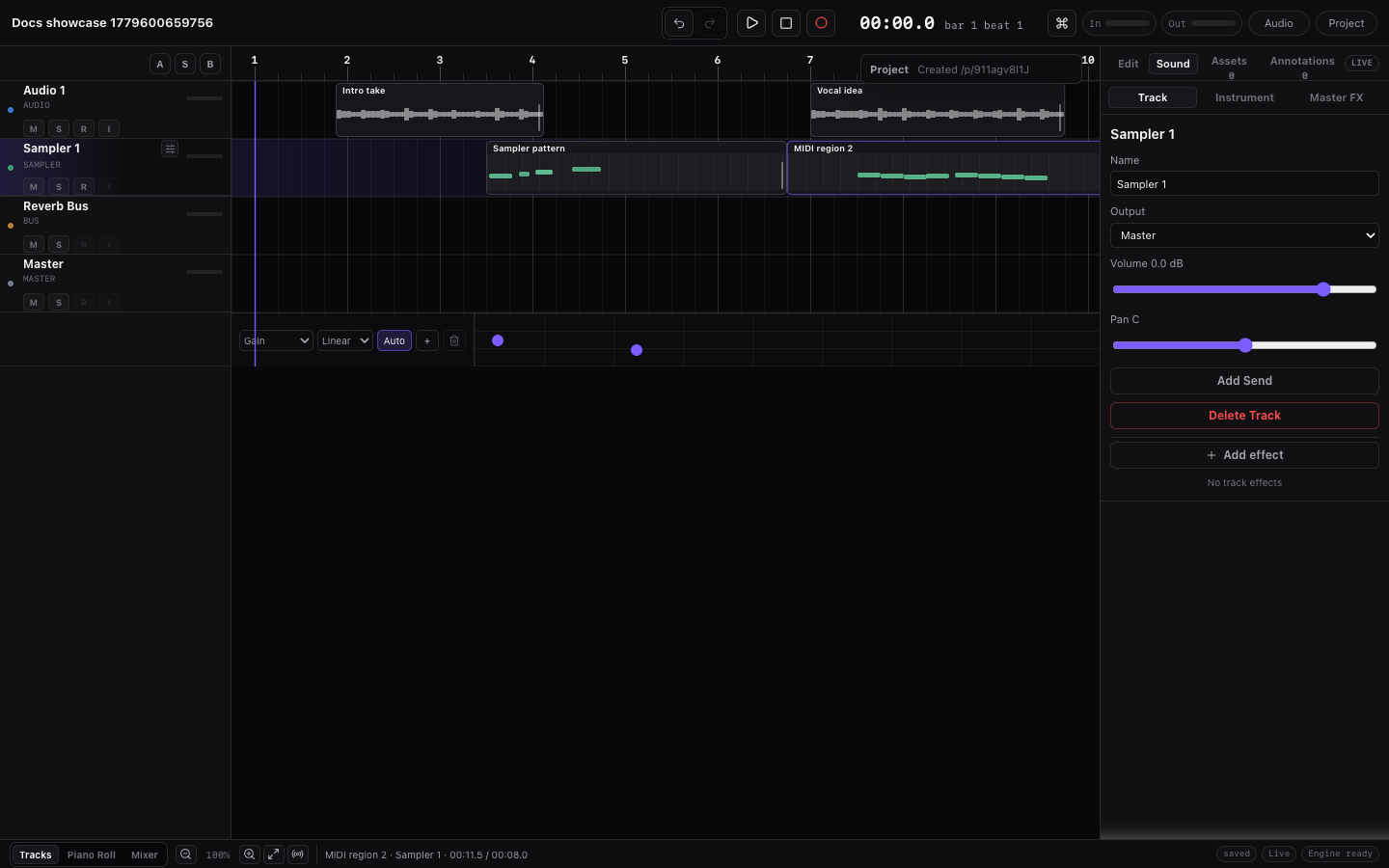
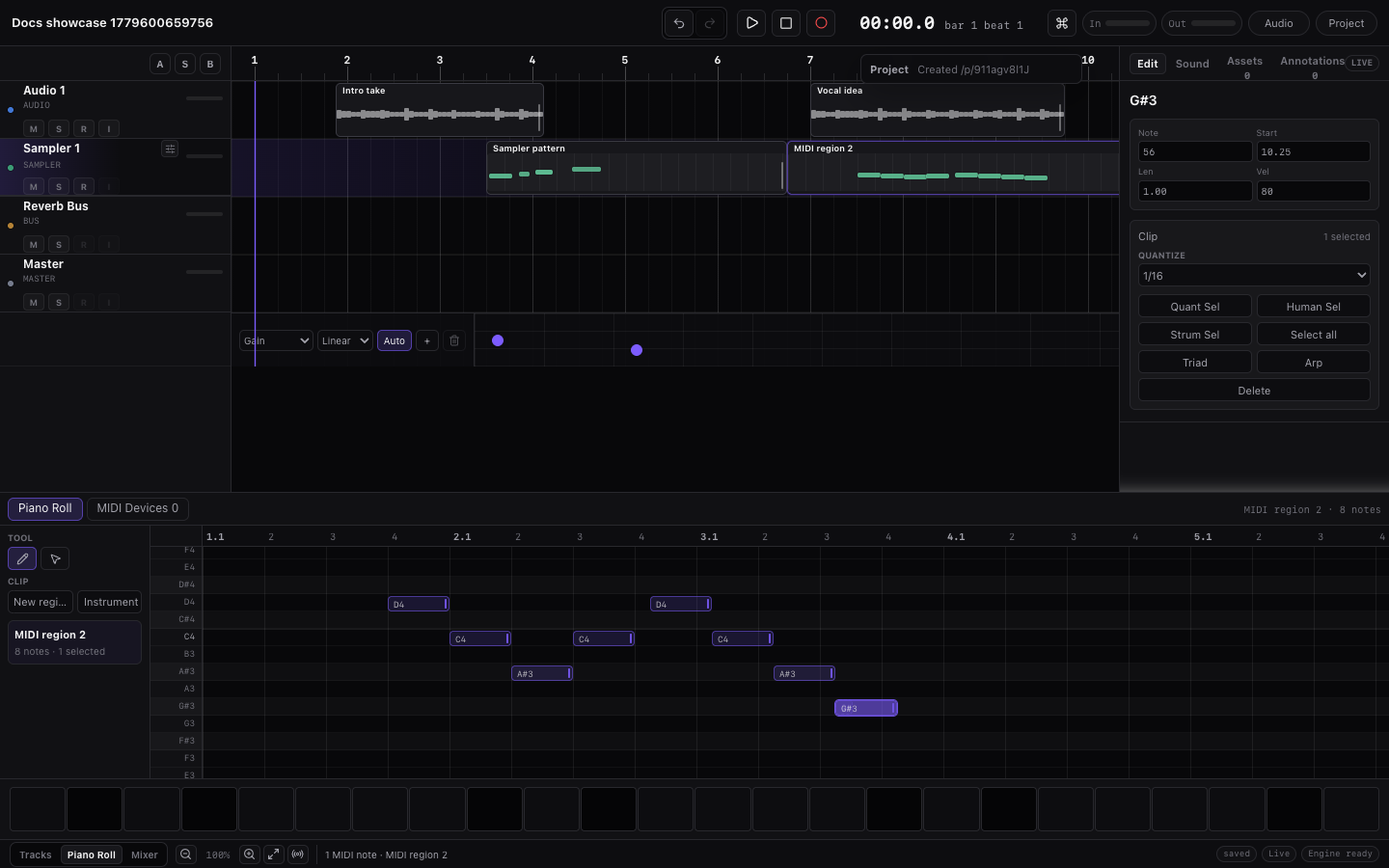
| Workspace surfaces | Top bar, track headers, timeline, right dock, bottom panel, and status bar. | Workspace Tour |
| Editing context | The last editor you used decides whether shortcuts affect regions, notes, chords, or markers. | Editing Basics |
| Audio vs MIDI | Audio is recorded sound. MIDI is note data that needs an instrument. | DAW Basics |
| Audio regions | Imported or recorded waveform blocks with trim, fade, clip gain, loop, and tempo tools. | Audio Regions |
| Takes and simple comping | Loop audio recording can create several takes; split the result and choose takes per slice. | Recording |
| Project BPM and Source BPM | Project BPM is the song tempo. Source BPM is the original tempo of imported audio. | Tempo and Follow Project Tempo |
| Follow project tempo | A per-audio-region switch that lets imported audio follow the project BPM non-destructively. | Import a Song or Loop and Speed It Up |
| Piano roll and drum lanes | Melodic instruments show pitch rows; drum kits show named kit-piece lanes. | Drum Kits and Beatmaking |
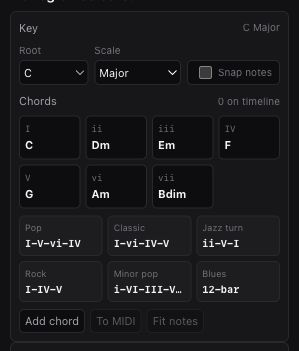
| Chord Track | The chord lane under the ruler. It can guide playback, analysis, and MIDI generation. | Analyze and Generate |
| Markers and sections | Timeline anchors for navigation, notes, section generation, duplicate, and regeneration. | Markers and Sections |
| Effects, sends, buses, Master | Effects process one track, sends copy signal to buses, and Master is the final output. | Tracks, Routing, and Track Controls |
| Signal flow and export paths | Audio moves through source tracks, Track Effects, sends, buses, Master, then full mix export. | Signal Flow and Export Paths |
| Mix and automation | Balance track levels, add effects and sends, automate movement, then finish on the Master. | Mix and Automate |
| Full mix and stems | The full mix is the final song WAV. Stems are per-track files for moving parts elsewhere. | Export a Full Mix and Stems |
| Save, share, and export | Save turns a draft into a durable project; Share sends the link; Export renders files. | Save, Share, and Export |
| Large projects | Bigger songs need deliberate panel, effect, analyzer, export, and browser habits. | Large Projects and Performance |
| Terms and definitions | A searchable quick reference for Miaou DAW words such as regions, clips, sends, and stems. | Glossary |
| Browser and device setup | Chrome/Chromium, realtime audio, recording input, Web MIDI, file dialogs, and downloads. | Browser and Device Setup |
Current Screens
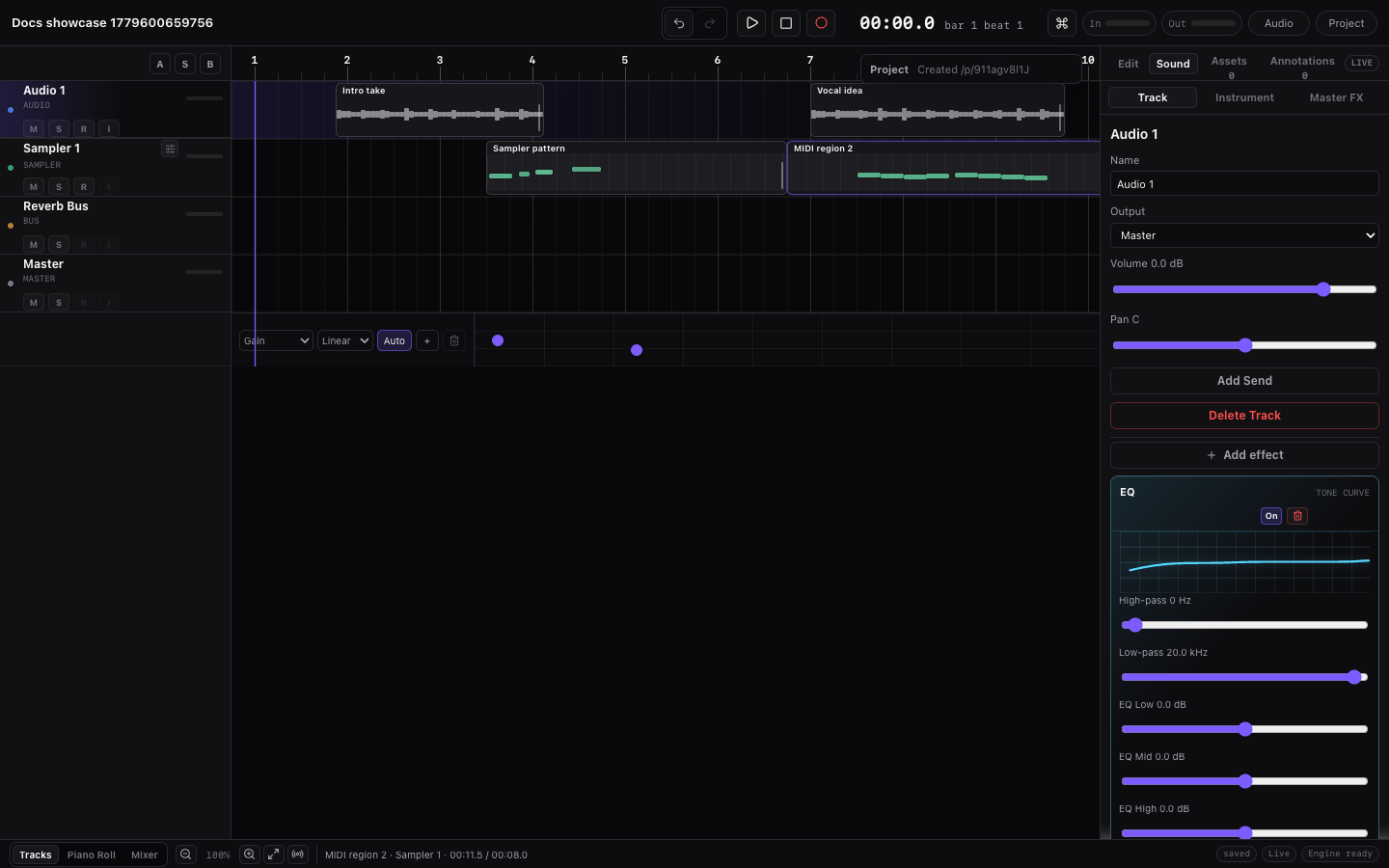
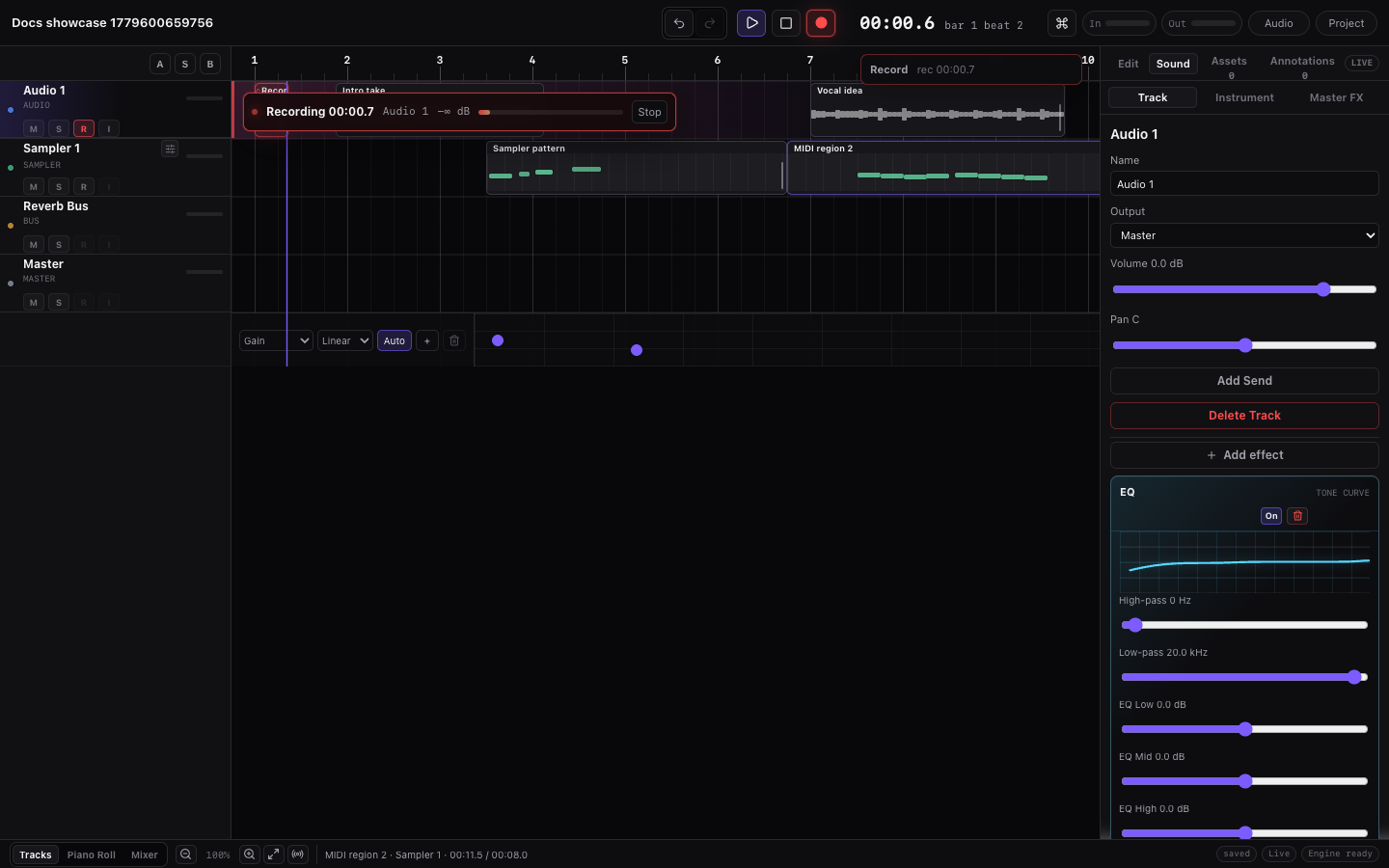
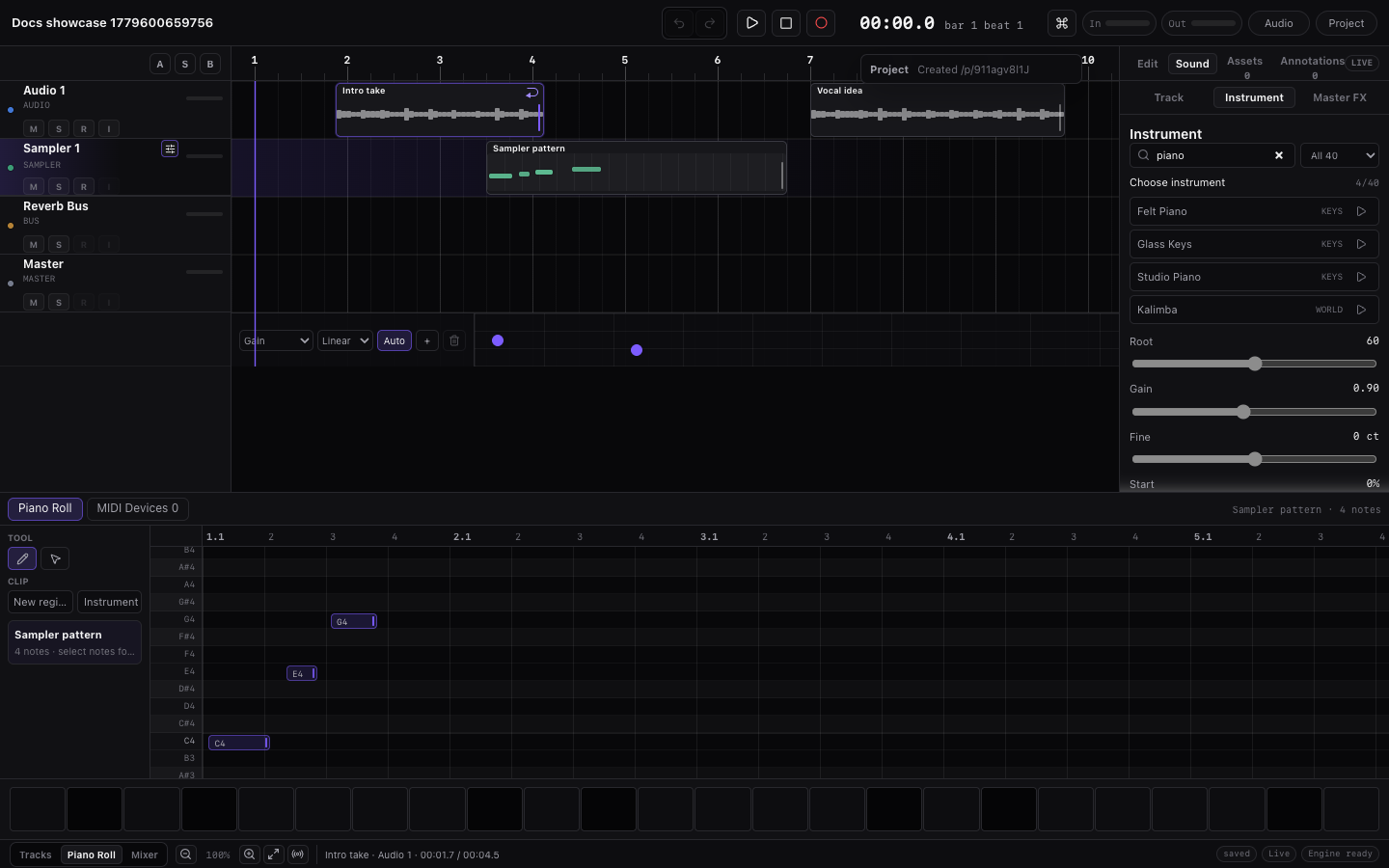

Common First Mistakes
- BPM changes do not affect my imported audio. Select the audio region, enable Follow project tempo, and set Source BPM if Miaou did not infer it.
- The wrong instrument previews in the Piano Roll. Select the intended MIDI region or MIDI track. Preview follows the active MIDI context.
- I cannot find cowbell or other percussion. Load a full drum kit such as 808/909 Kit or Studio Drum Kit and use the named drum lanes.
- My effect is not audible. Check that the effect is enabled, on the correct track/bus/master path, and that routing/mute/solo is not hiding it.
- I want to share or record but only have a draft. Click Save first, then use the project link and password.
- My stems do not sound exactly like the full mix. Stems are per-track exports. The full mix includes final Master output controls and processing.
What Miaou Stores
Miaou projects are opened with a unique project link and protected by a project password. Miaou uses project links and passwords instead of accounts. After unlock, the current browser can save, export, restore media, and collaborate for about 12 hours before you may need to enter the password again.
Latest project state, named versions, uploaded audio files, and export ZIP files are stored with the project. When a project is unlocked, Miaou restores the audio files referenced by the saved project. Users do not need to manage project media files manually.
Browser Notes
Miaou is built for a dense desktop DAW layout and works best in current desktop Chrome or Chromium. Use https://miaou.app/ for realtime playback; it already includes the browser setup Miaou needs. Some browser features, such as Web MIDI, may vary by browser or platform. Use a desktop-sized window when you want the timeline, inspector, and piano roll visible together.