Appearance
Instrument Sources and Licenses
Miaou's built-in instrument catalog is curated from compact permissive sources plus a small set of Miaou-created synthesized instruments. The instruments are chosen for music-making, clear licensing, and predictable use in songs, videos, exports, and shared projects.
For exact legal terms, follow the linked source licenses.
Common Questions
| Question | Answer |
|---|---|
| Can I use Miaou built-in instruments in my own songs? | Yes. The bundled catalog is chosen for permissive music-making use. |
| Are the instruments mostly public-domain / CC0? | Yes. Most visible built-in instruments use CC0 sources or Miaou-created CC0 material. |
| Is anything attribution-required? | Studio Drum Kit uses the CC-BY FreePats MuldjordKit subset. If a song uses it, include the DrumGizmo credit below when publishing credits. |
| Does Miaou include third-party sample packs? | Only when the license clearly allows the instruments to ship with Miaou. The current catalog focuses on permissive sources and Miaou-created instruments. |
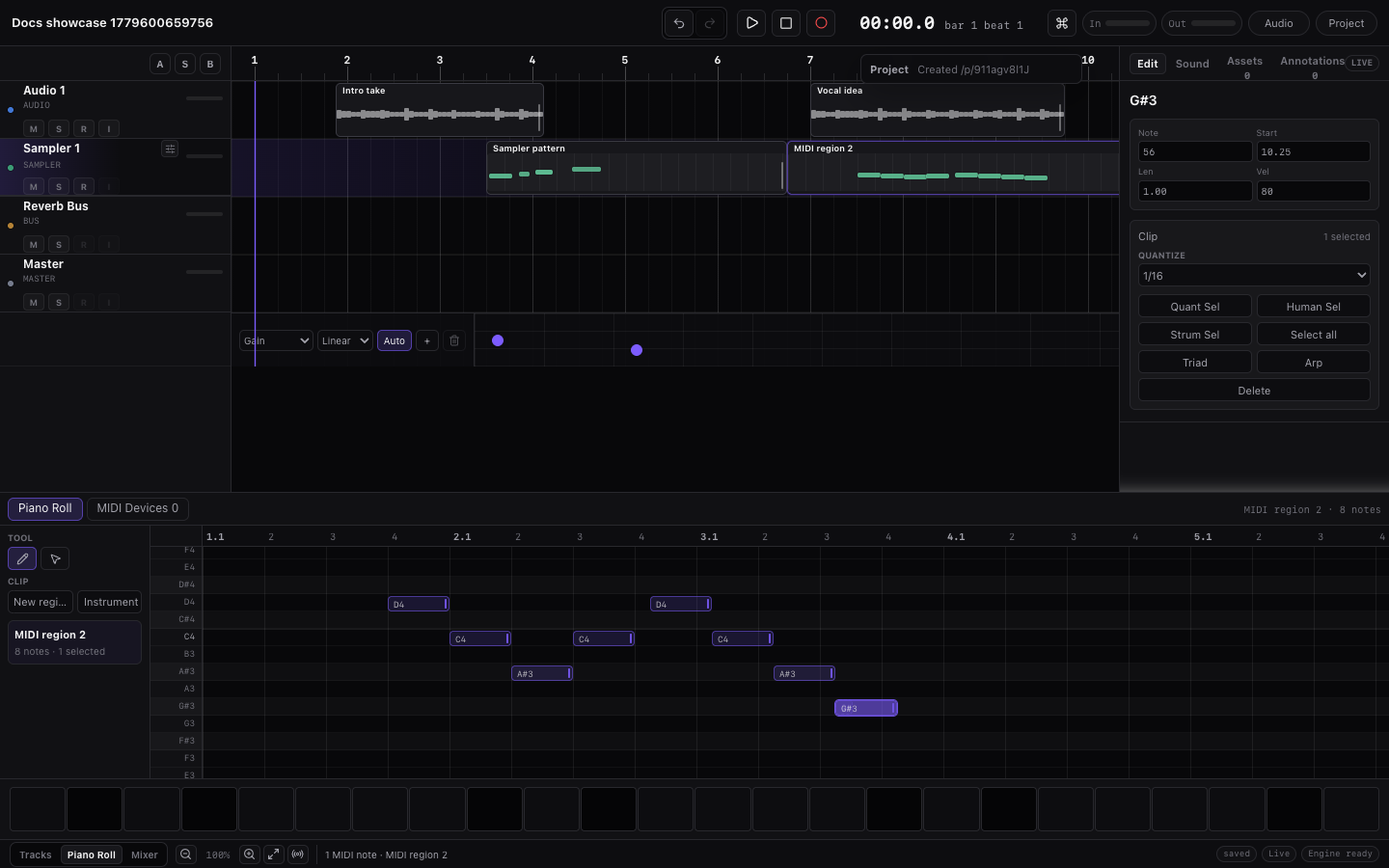
| Are one-shot drum samples separate instruments? | No. Drum samples are kit pieces inside drum kits. Choose a kit, then use named drum lanes. |
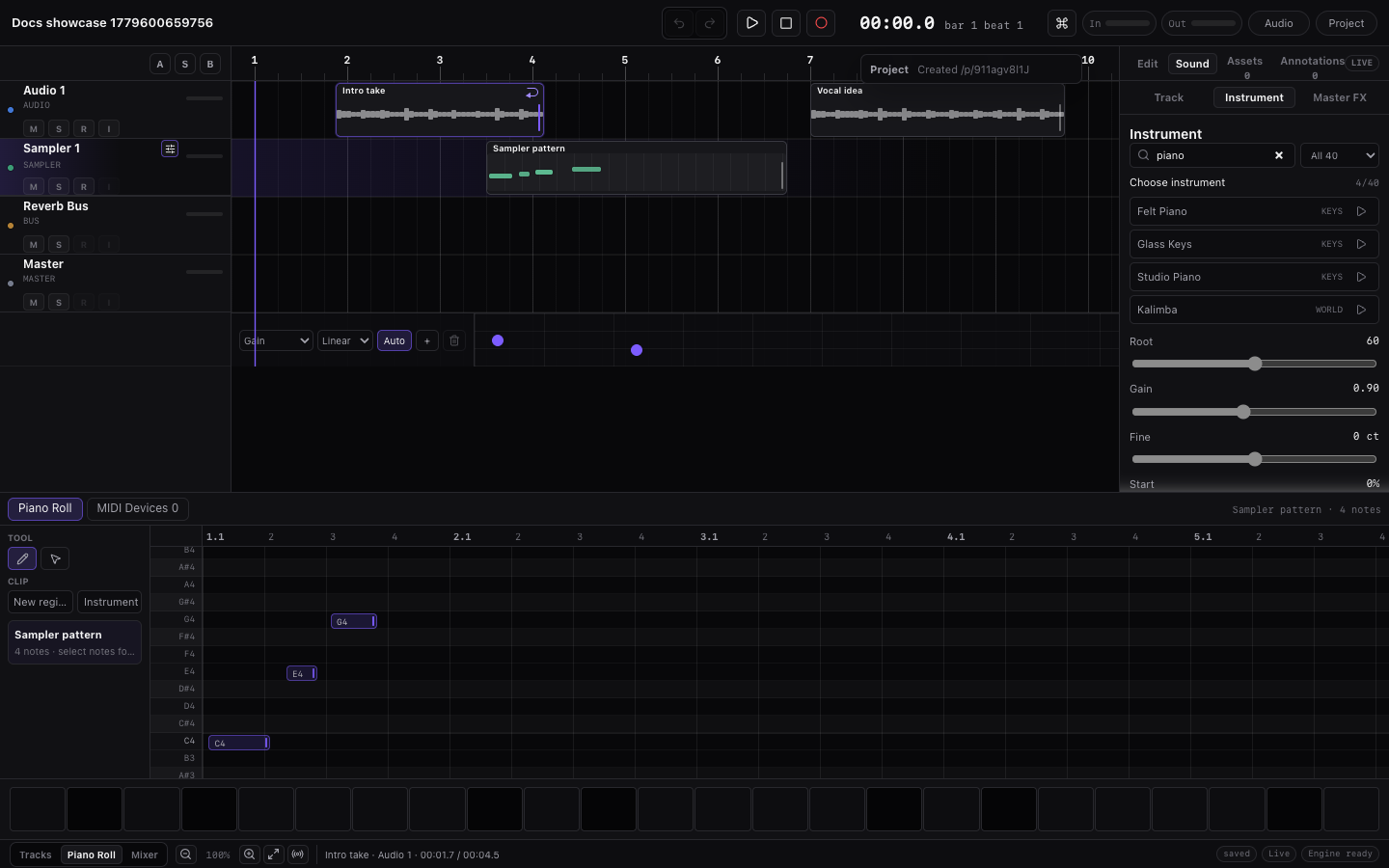
| Are transition FX normal instruments? | Yes. FX instruments such as Reverse Cymbal, Riser, Snare Roll, and Tape Stop are playable MIDI instruments. Place a MIDI note where the one-shot should trigger. |
Common Tasks
| Task | What to do |
|---|---|
| Making music with Miaou's built-in instruments | Use the instruments normally in your songs, exports, and shared projects. |
| Publishing liner notes, credits, or release docs | Include the Studio Drum Kit attribution when that kit is part of the published work. |
| Choosing an instrument | Start in Instruments, then come here only when source/licensing matters. |
| Looking for a category you do not see | Check Practical Limits for current catalog coverage and alternatives. |
| Checking source details | Use the source links and attribution table below before publishing credits, liner notes, or release notes. |
Miaou's built-in instruments are meant for making music in songs, videos, shared projects, and exported mixes.
Before Publishing a Track
Use this quick check when a song, video, game, podcast, sample pack demo, or project page uses Miaou built-in instruments:
| Check | What to do |
|---|---|
| Did you use Studio Drum Kit? | Include the DrumGizmo credit from Credits to Include. |
| Did you use only CC0 or Miaou-created instruments? | Attribution is not required by those sources, but optional source credits are still fine. |
| Did you export stems or a ZIP? | Keep the ZIP or project link so you can confirm which instruments were used in the release. |
| Did you use a custom imported sample? | Check the license for that file separately; Miaou cannot grant rights to user imports. |
| Are you making a sample pack? | Use Miaou instruments in music and projects; the bundled instruments are not a standalone sample-pack product. |
If you are unsure whether a project used Studio Drum Kit, open the project, select drum MIDI tracks, and check the loaded instrument in Instrument before publishing credits.
Source Summary
| Source | License | Used for | Notes |
|---|---|---|---|
| FreePats Upright Piano KW | CC0 | Studio Piano | Compact Kawai upright piano subset for writing and arrangement sketches. |
| FreePats FM Piano 2 | CC0 | FM Piano | Bright electric-piano samples for chords and hooks. |
| FreePats Finger Bass YR | CC0 | Finger Bass | Yamaha RBX electric-bass samples for natural bass lines. |
| FreePats Electric Guitar FSBS Clean | CC0 | Clean Guitar | Compact clean electric-guitar subset. |
| FreePats Spanish Classical Guitar | CC0 | Nylon, muted, and processed guitar colors | Compact guitar subsets for plucks and sketch riffs. |
| FreePats Synth Bass & Lead | CC0 | Bass Lead and synth colors | Surge synth source samples converted to browser-ready zones. |
| FreePats Sweep Pad | CC0 | Sweep Pad | Looped synth-pad source for sustained harmony. |
| FreePats Synthesizer Percussion | CC0 | 808/909 Kit and electronic percussion material | Analog-style electronic percussion source samples. |
| FreePats MuldjordKit | CC-BY 4.0 | Studio Drum Kit | Acoustic drum-kit subset. Include the DrumGizmo credit below when publishing credits for work that uses this kit. |
| VSCO 2 Community Edition | CC0 | Strings, brass, woodwinds, timpani, orchestral cymbals, impacts, and transition FX | Compact orchestral subsets from VSCO 2 Community Edition. |
| VCSL | CC0 | Mallets, harp, kalimba, world plucks, tenor sax, hand percussion, shakers, tambourines, woodblocks, cowbells, gongs, and FX | Compact subsets from the Versilian Community Sample Library. |
| Miaou-created synthesized instruments | CC0 | Modern synths, kit variations, voice-style pads, noise FX, sub drops, and tape-stop style effects | Created from oscillator, envelope, and filter designs. No external audio samples are used. |
| GeneralUser GS | Permissive GeneralUser license | Selected synth, keys, and bass color patches | Secondary color material used where it fits the catalog. |
What Is Included
Miaou's Starter palette contains the instruments most useful for starting a song:
- 808/909 Kit for electronic drum programming.
- Studio Drum Kit for acoustic drum sketches.
- Studio Piano and FM Piano for writing.
- Finger Bass for bass lines.
- Clean Guitar for plucks and guitar-like sketches.
- Sweep Pad for sustained harmony.
- Bass Lead for simple hooks and mono synth lines.
The full catalog includes strings, brass, woodwinds, mallets, world plucks, percussion, synthesized instruments, voice-style pads, drum-kit variations, and transition FX. For the complete family list, see Instruments.
Credits to Include
Most built-in instruments do not require attribution. Studio Drum Kit uses a CC-BY source and should be credited when a released song, video, project page, or liner note credits Miaou's instruments.
Use this concise credit when the project uses Studio Drum Kit:
txt
Drum samples provided by DrumGizmo.org.Use this fuller credit when you have room for source details:
txt
Studio Drum Kit uses FreePats MuldjordKit / DrumGizmo samples under CC-BY 4.0. Drum samples provided by DrumGizmo.org.| Instrument area | Source | Attribution |
|---|---|---|
| Studio Drum Kit | FreePats MuldjordKit / DrumGizmo | “Drum samples provided by DrumGizmo.org.” |
Optional source credits for liner notes or release notes:
- FreePats.
- VSCO 2 Community Edition by Sam Gossner / Versilian Studios.
- Versilian Community Sample Library by Sam Gossner / Versilian Studios.
- GeneralUser GS by S. Christian Collins.
Miaou-Created Synthesized Instruments
Some built-in instruments are created directly for Miaou instead of sampled from an external library.
Synthesized instruments include:
- modern synth colors such as Analog Pad, Super Saw, Reese Bass, and House Pluck;
- electronic kit variations;
- voice-style pads such as Choir Pad and Ooh Voice;
- noise and transition instruments such as Noise Sweep, Short Riser, Long Riser, White Noise Down, Sub Hit, Tape Stop, and Sub Drop.
The voice-style patches are synthetic pads. They are not sampled choirs or solo vocal recordings.
Related Pages
- Instruments explains how to search, preview, load, and play the catalog.
- MIDI Editor explains drum lanes, pads, and note editing.
- Practical Limits explains instrument and sampler boundaries.
- Feature Index helps you find catalog-related controls and linked workflow pages.